

Google Data Studio vs Grafana: Marketing Dashboards vs Infrastructure Monitoring
Google Data Studio (now Looker Studio) and Grafana serve completely different use cases. Data Studio is built for business and marketing dashboards. Grafana is built for infrastructure monitoring, DevOps observability, and time-series data. They rarely compete — but if you are evaluating both, here is how they differ.
Note: Google rebranded Data Studio to "Looker Studio" in October 2022. Same product, new name.
Key Differences
Feature: Primary use · Google Data Studio: Business/marketing dashboards · Grafana: Infrastructure monitoring
Feature: Price · Google Data Studio: Free · Grafana: Free (open source) or Grafana Cloud from $0
Feature: Data sources · Google Data Studio: 1,000+ (APIs, Google, marketing) · Grafana: Prometheus, InfluxDB, Loki, Elasticsearch, databases
Feature: Visualization · Google Data Studio: Drag-and-drop charts · Grafana: Time-series panels, heatmaps, alerts
Feature: Alerting · Google Data Studio: Pro only (basic) · Grafana: Advanced alerting built in
Feature: Real-time · Google Data Studio: Cached/refreshed · Grafana: True real-time streaming
Feature: Learning curve · Google Data Studio: Low · Grafana: Medium
Feature: Target user · Google Data Studio: Marketers, business users · Grafana: DevOps, SREs, engineers
Feature: Hosting · Google Data Studio: Google-managed SaaS · Grafana: Self-hosted or Grafana Cloud
When to Use Google Data Studio
- Marketing performance dashboards (GA4, Google Ads, Meta Ads)
- Business KPI reporting for executives
- Combining multiple marketing and sales sources
- Non-technical users building reports
- Client-facing dashboards
When to Use Grafana
- Server and infrastructure monitoring (CPU, memory, latency)
- Application performance monitoring (APM)
- Log analysis and observability
- Time-series data visualization
- Alert rules for on-call engineers
- Kubernetes and cloud infrastructure dashboards
Can You Use Both?
Yes. Many organizations use Grafana for engineering and Data Studio for business teams. They do not overlap — Grafana watches your infrastructure while Data Studio watches your metrics.
When Neither Is Enough
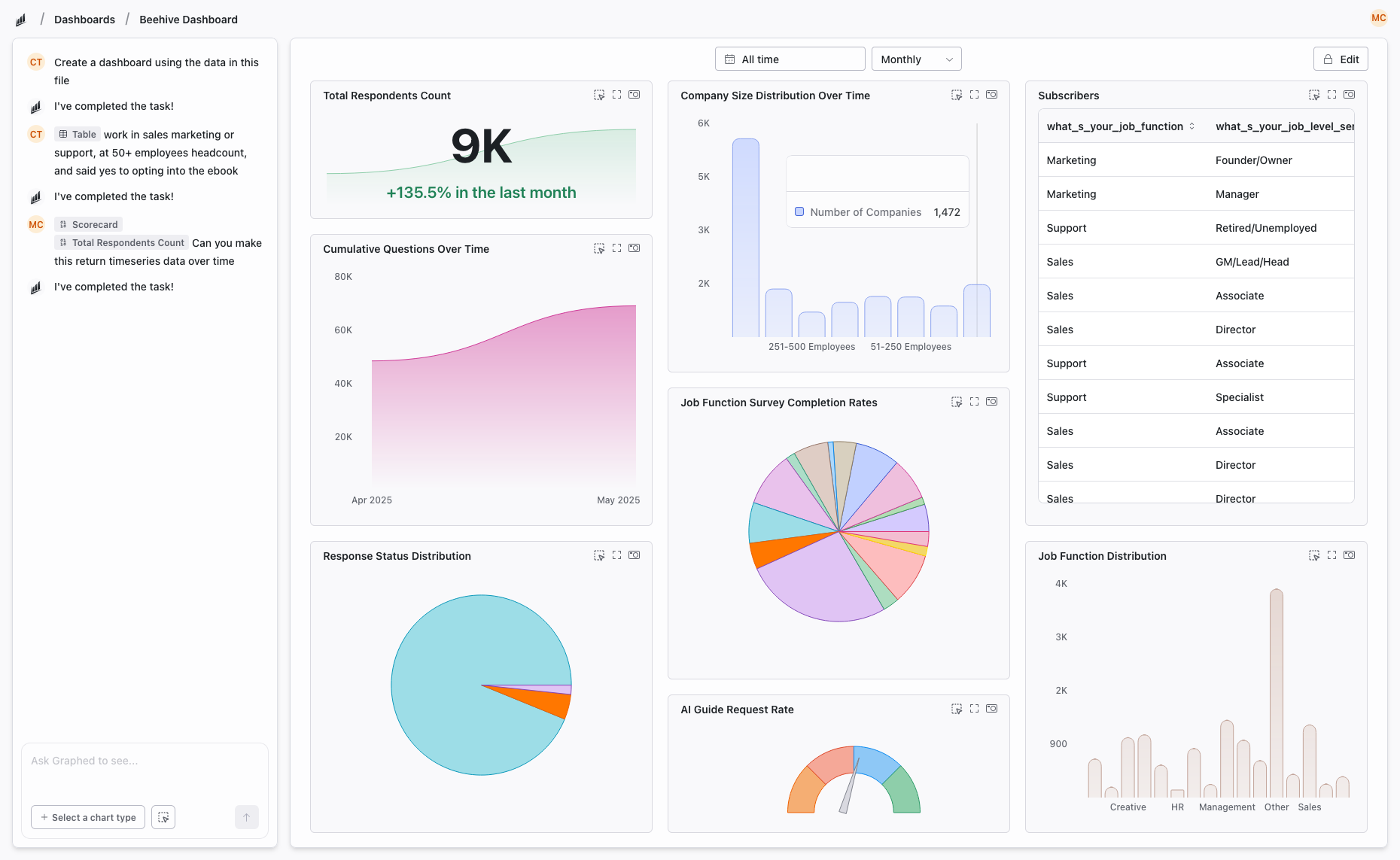
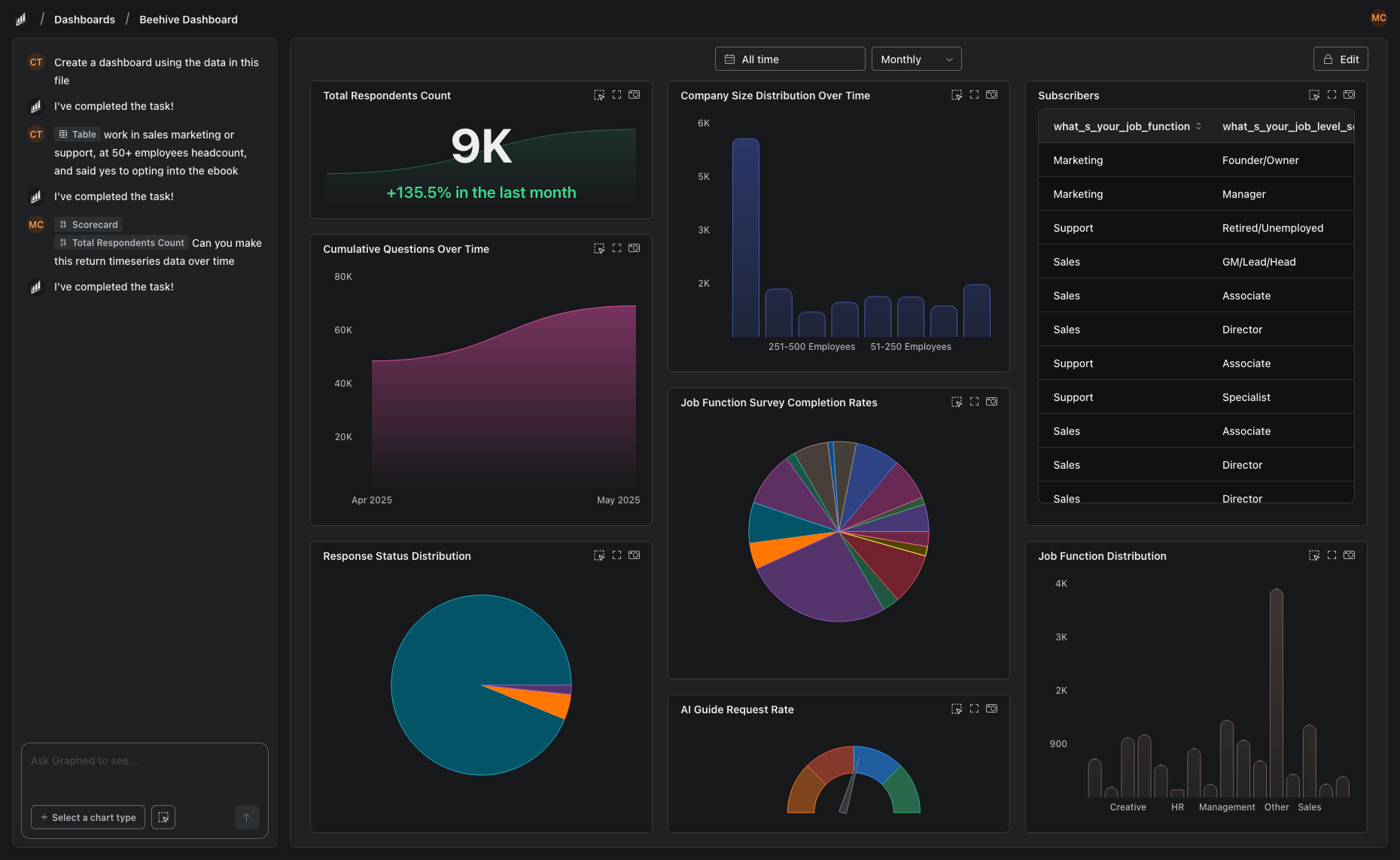
If you need business analytics that goes beyond Data Studio's capabilities — more data sources, better modeling, AI-powered insights — without the DevOps focus of Grafana:
Graphed is an AI data analyst connecting to 350+ business data sources. Natural language to dashboards. Data syncs hourly. Setup in 15 minutes. Built for business teams, not engineering teams.
The Bottom Line
Data Studio for business dashboards. Grafana for infrastructure monitoring. Different tools for different teams. Choose based on whether you are tracking marketing KPIs or server uptime.
Related Articles
How to Create a Photo Album in Meta Business Suite
How to create a photo album in Meta Business Suite — step-by-step guide to organizing Facebook and Instagram photos into albums for your business page.
Is Google Analytics and Data Analytics the Same?
Is Google Analytics and data analytics the same? No — Google Analytics is one tool, data analytics is the broader discipline. Here is the difference.
What Database Does Tableau Use?
What database does Tableau use? Tableau connects to 100+ databases — it does not store data itself. Learn how live connections and extracts work.